
 11
11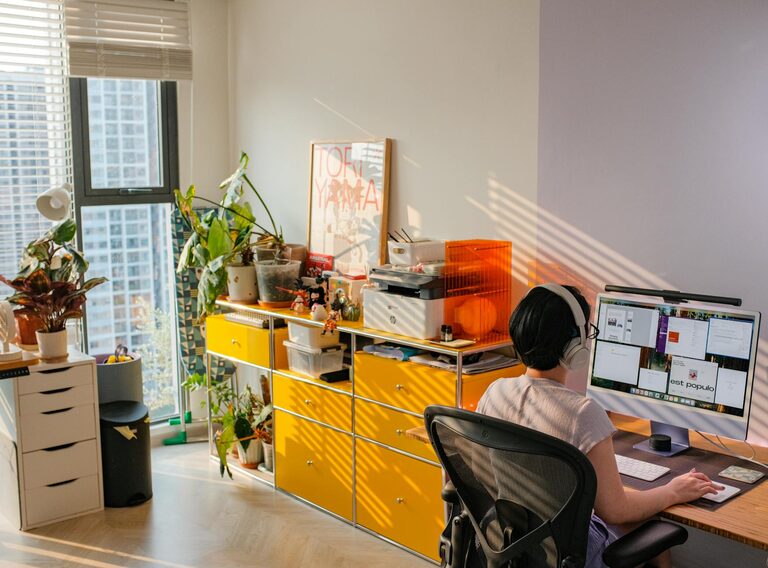
Creating a cozy and inviting home workspace is essential for productivity and overall well-being, especially as many people spend more time working from home. An ideal workspace balances comfort with functionality, making it a place where you look forward to getting things done. Whether you have a dedicated office room or a small corner, these tips will help you design a space that feels warm, welcoming, and efficient.
Position your workspace near a window if possible. Natural light not only brightens up your area but also improves mood and reduces eye strain. If your workspace lacks natural light, consider using daylight-mimicking bulbs to maintain a cheerful atmosphere.
Select a quiet spot where household noises are limited. If you don’t have a separate room, use room dividers, curtains, or plants to visually separate your workspace from living areas.
A supportive chair is a must for long working hours. Look for one with adjustable height, lumbar support, and comfortable cushioning. Your back will thank you!
Choose a desk that fits your space and work style. It should be spacious enough for your computer, notebook, and other essentials without feeling cluttered.
A cozy workspace isn’t just about function—it’s about comfort. Add a soft rug underfoot, a cushioned seat pad, or a cozy blanket to keep you warm during colder months.
Plants can transform your workspace by adding life and color. They also improve air quality and create a calming atmosphere. Low-maintenance plants like succulents or pothos are great options.
Choose artwork, photos, or décor items that inspire or relax you. A vision board or motivational quotes placed nearby can boost your mood and motivation.
Use attractive storage solutions like baskets, boxes, or stylish shelves. Keeping your workspace tidy reduces stress and helps you focus.
Combine ambient, task, and accent lighting for a well-lit environment. A desk lamp with adjustable brightness is ideal for focused work.
Position your computer screen to avoid glare from windows or overhead lights. This reduces eye strain and increases comfort.
Use desk organizers for pens, notepads, chargers, and other frequently used items. This keeps your workspace orderly and makes it easy to find what you need quickly.
A wall clock or desk clock helps you keep track of time without constantly checking your phone or computer.
If noise is an issue, consider noise-canceling headphones or a white noise machine. These can help create a peaceful environment conducive to concentration.
Even at home, setting boundaries for your work hours helps maintain work-life balance. Let others in your home know your schedule to minimize interruptions.
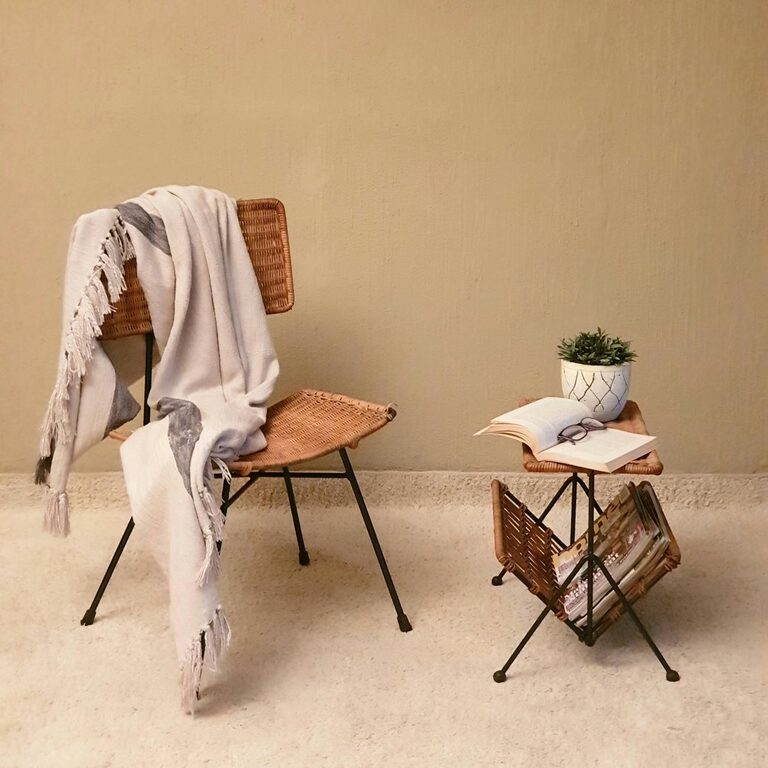
Design your space with breaks in mind. A small comfy chair or nearby window invites refreshing moments away from your desk.
If you have limited space, consider convertible furniture like foldable desks or adjustable sit-stand desks. These offer versatility tailored to your changing needs.
Storage on wheels can be moved as needed, giving your workspace flexibility while keeping essentials within reach.
Creating a cozy and inviting home workspace involves balancing comfort, organization, and personal style. By following these tips, you can design a space that not only looks great but also supports your productivity and well-being. Remember, the best workspace is one that feels good to you and helps you do your best work every day.