 11
11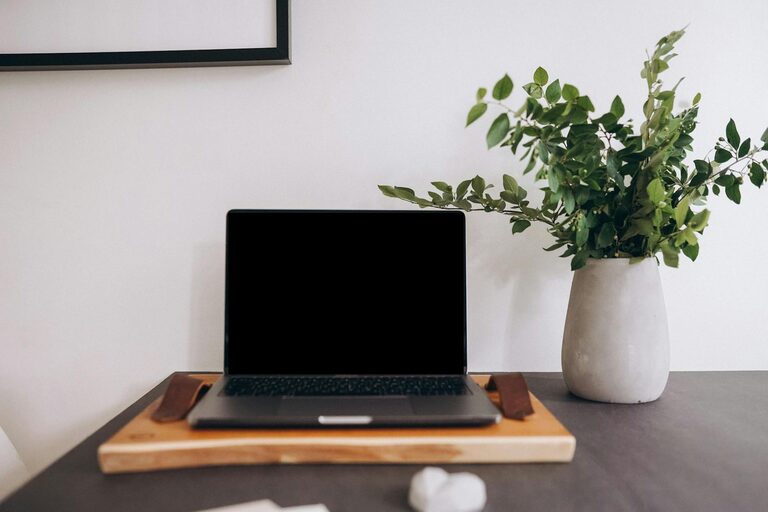
Creating a home workspace that encourages productivity can make a significant difference in how efficiently you work and how comfortable you feel throughout your day. Whether you’re working remotely, freelancing, or simply need a dedicated area for personal projects, organizing your workspace thoughtfully is key. Here are practical tips to help you set up and maintain a productive home workspace.
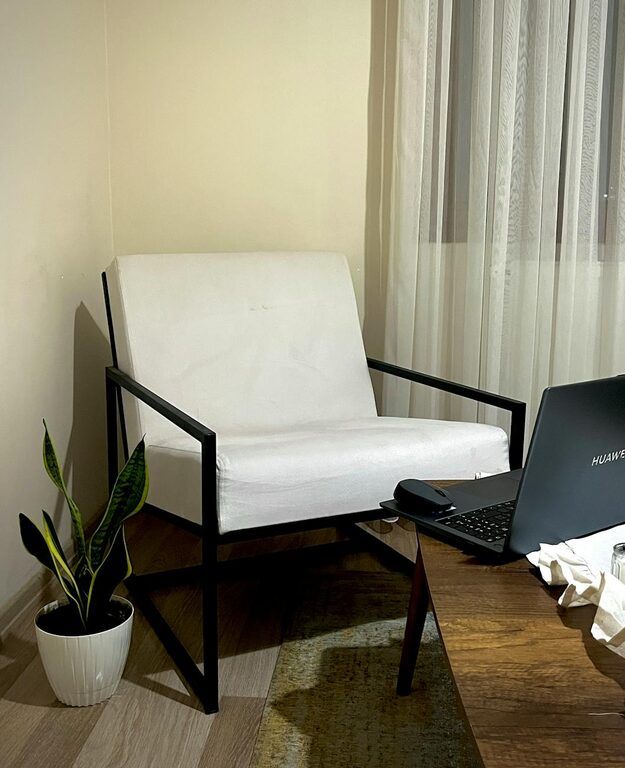
Selecting the right spot in your home is the first step. Ideally, pick a quiet area with minimal distractions and good natural light. A corner of a bedroom or a spare room can work well if it allows you to separate work from leisure.
– Opt for a space near a window to benefit from natural light, which can improve mood and energy.
– Avoid placing your workspace in high-traffic areas to reduce interruptions.
– Consider the noise level and privacy you need to concentrate.
Since you’ll be spending many hours at your desk, comfort matters a lot.
– Choose an ergonomic chair that supports your posture.
– Use a desk that fits your needs—whether it’s a standing desk, a traditional desk, or a compact table.
– Make sure your monitor is at eye level to avoid neck strain, and keep your keyboard and mouse within easy reach.
A tidy environment helps clear your mind and keeps you motivated.
– Remove unnecessary items from your desk.
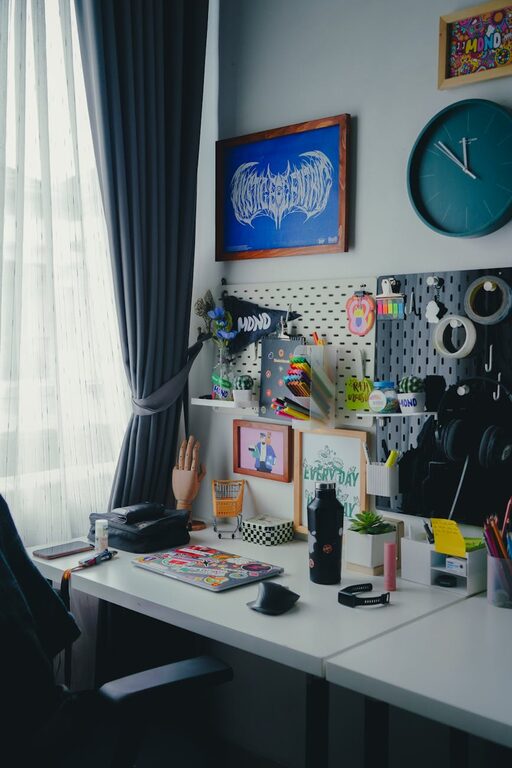
– Use trays, organizers, or small containers for stationery and small tools.
– Keep only the essentials on your desktop to minimize distractions.
Good storage helps keep your documents and supplies orderly.
– Use shelves, filing cabinets, or drawers to store paperwork and supplies.
– Label storage containers to find things quickly.
– Consider vertical storage to maximize space if your area is small.
Messy cables can create stress and inefficiency.
– Use cable ties, clips, or sleeves to keep cords neat and out of the way.
– Position your printer, scanner, and other devices within easy reach but out of sight if possible.
– Regularly update your software and maintain your equipment for smooth performance.
Adding personal touches can boost your mood and creativity.
– Hang inspiring artwork, photos, or plants.
– Choose colors that energize yet don’t overwhelm you, such as soft blues or greens.
– Use a small whiteboard or bulletin board for reminders or motivational quotes.
Keeping your workspace organized requires consistent effort.
– Spend five minutes at the end of each day tidying up.
– Schedule weekly decluttering sessions to straighten up drawers and shelves.
– Regularly review what you use and discard or donate anything unnecessary.
The right tools can keep you productive and minimize distractions.
– Use noise-canceling headphones if you have a noisy environment.
– Try productivity apps or timers to manage your work sessions and breaks.
– Keep a checklist or planner handy to track tasks and priorities.
Proper lighting reduces eye strain and fatigue.
– Supplement natural light with adjustable desk lamps.
– Choose bulbs with daylight or warm white tones depending on your preference.
– Avoid harsh or flickering lights that can cause headaches.
Productivity is not just about sitting and working continuously.
– Use a timer to remind yourself to stand up and stretch regularly.
– Consider a sit-stand desk option for flexibility.
– Keep a water bottle nearby to stay hydrated and encourage short breaks.
—
Organizing a productive home workspace is about combining comfort, functionality, and aesthetics to create an environment where you can focus and feel motivated. With the right setup and consistent upkeep, your workspace can become a corner of your home that supports both your work and well-being. Start with these tips and customize your space to what works best for your style and needs.